Free ESP32 project guide
Build this ESP32 temperature dashboard
Turn an ESP32 and DHT22 into a live Wi-Fi room monitor. Get the exact wiring, complete Arduino code, and troubleshooting checks in one free PDF.
Exact DHT22 wiring Complete Arduino sketch Finish it this weekend
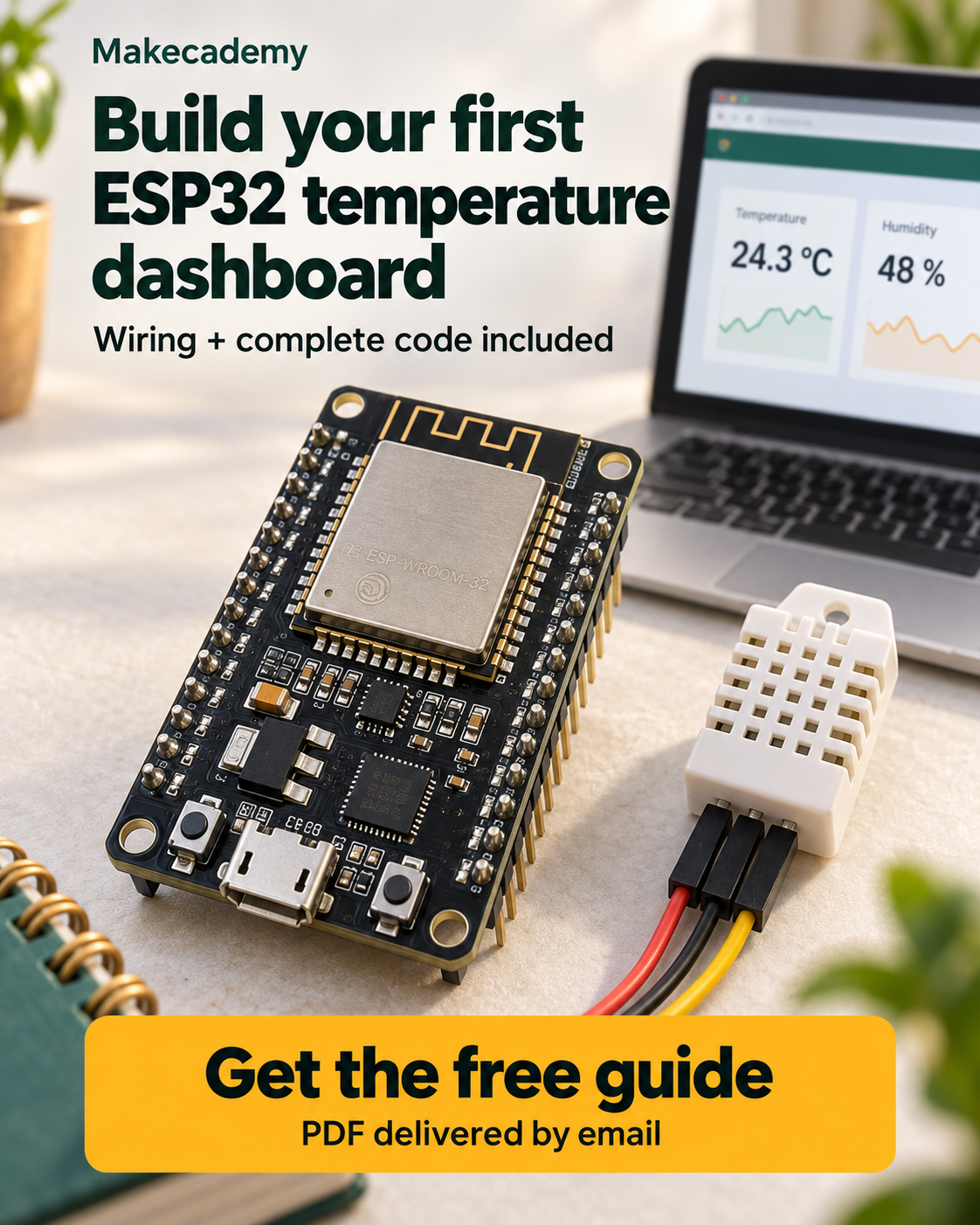
The finished project
View live temperature and humidity from any browser on your network.
Inside the PDF
01
Exact wiringEvery ESP32-to-DHT22 connection, clearly labeled.
02
Complete codeA ready-to-use Arduino sketch for the sensor and dashboard.
03
Fast fixesPractical checks for uploads, readings, and Wi-Fi problems.
What you will build
A working room monitor, without an attached display
The DHT22 measures temperature and humidity. The ESP32 connects to Wi-Fi and serves the readings to any browser on your network.
Flash the boardInstall the toolchain and verify your first upload.
Join Wi-FiConnect safely and diagnose common network issues.
Read the DHT22Measure temperature and humidity every two seconds.
Open the dashboardView live readings in any browser on your network.
Inside the guide
No guessing. No missing steps.
Follow the project in order and use the quick checks to confirm each part works before moving on.
- 01Prepare the hardwareWire DHT22 VCC, DATA, and GND to the correct ESP32 pins.
- 02Read the temperatureInstall the Adafruit DHT library and verify realistic readings.
- 03Connect to Wi-FiJoin your network and fix the connection problems beginners hit most often.
- 04Launch the dashboardRun the included web-server code and open the live result from another device.
Before you start
You probably have everything you need
- ESP32 development board
- Three-pin DHT22 module
- Three jumper wires
- Data-capable USB cable
Get the guide and start building
Enter your email and the Makecademy assistant will send the complete temperature-dashboard PDF straight to your inbox.